

hyphen for customers

01.
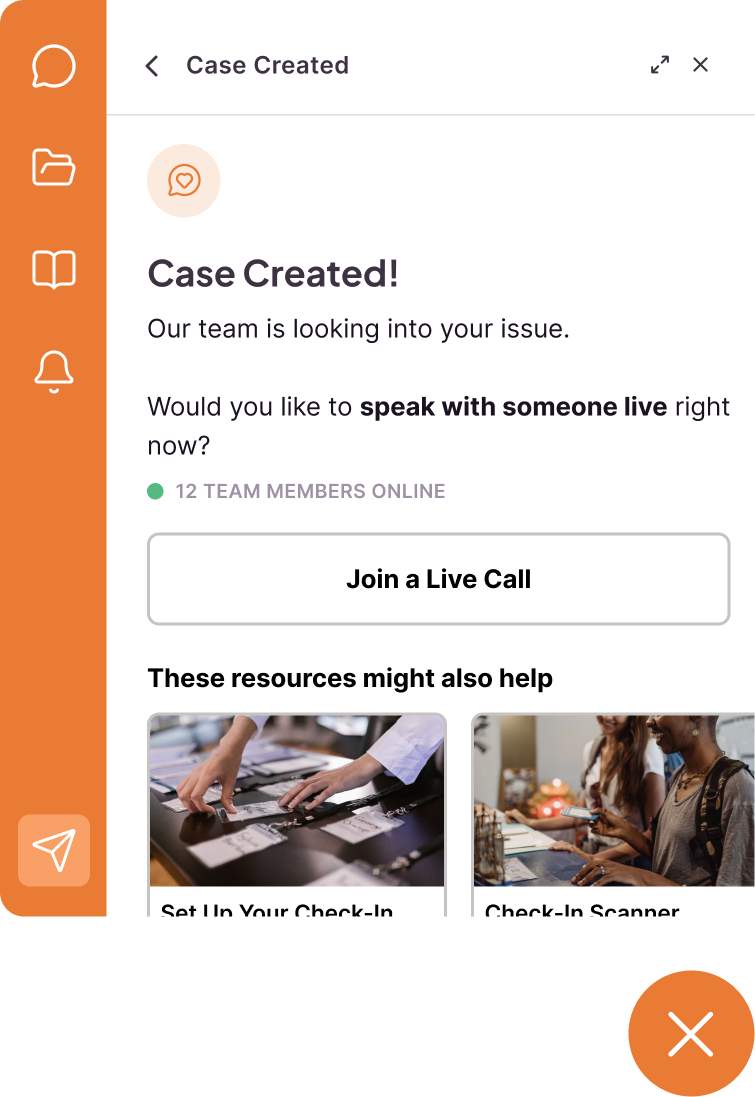
No matter where your customers are, the Hyphen modal is at the ready. Users can view case status, browse the knowledge base, create a case, or talk to a live agent without breaking their workflow.
02.
When urgent issues arise or automated help isn’t delivering a resolution, your users always have the option to create a case. No bot loops, no opaque process: an convenient button, right in the modal.
03.
Whether the issue is best described with a screen recording or a voice note, the Hyphen modal records, takes screenshots, enables video chat, and ingests documents natively; no auxiliary tools required
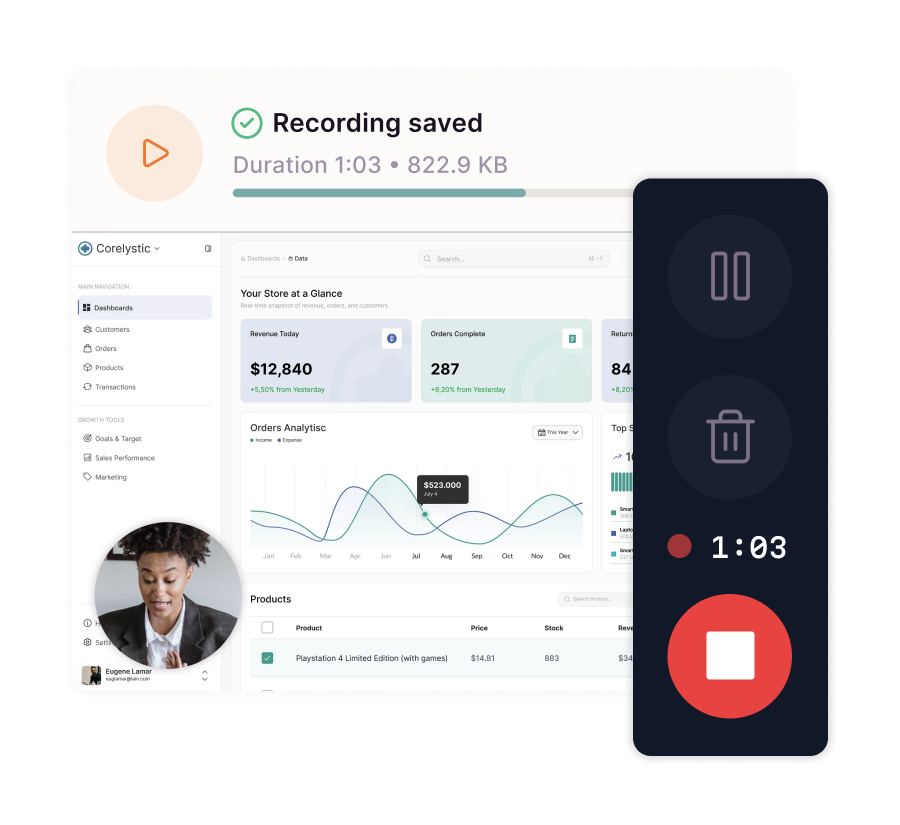
From still screenshots to show-and-tell video, your customers use the Hyphen widget to share what they see.
No need to use an external tool, connect an integration, or upload a large file; with Hyphen, screen sharing is always handled natively.
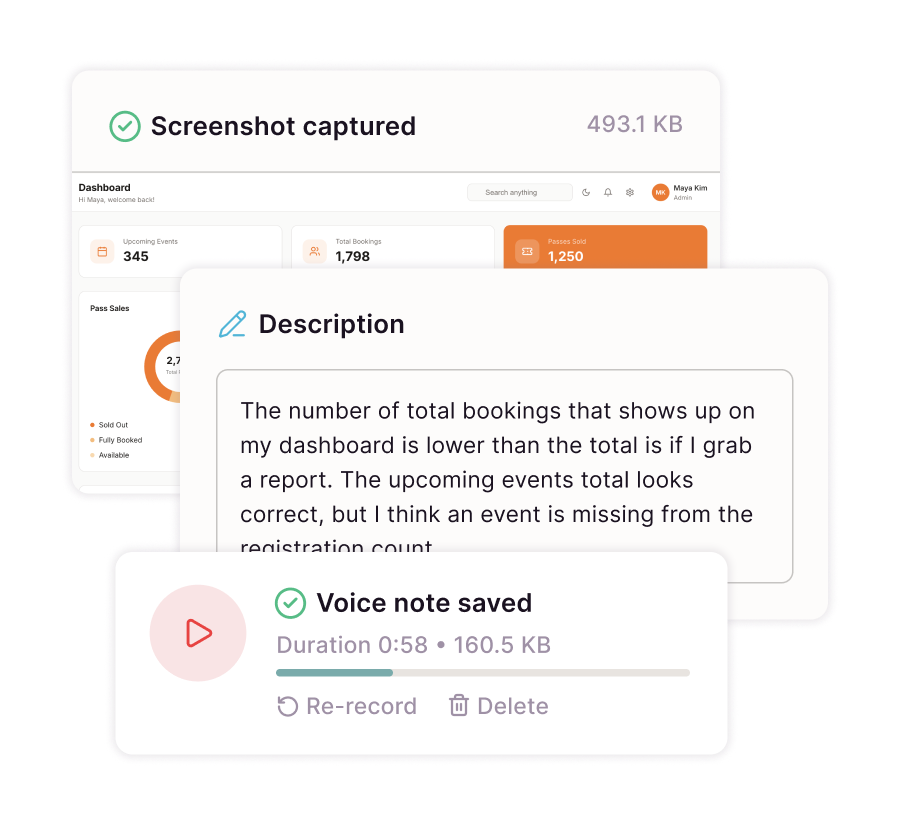
With Hyphen, customers are never limited to one way to describe their issue. Users select from five sharing modalities and can combine any number of methods in a single ticket.
Whether that’s following up with descriptive text or adding a voice note to clarify video, customers submit as much context as they need to explain their case.
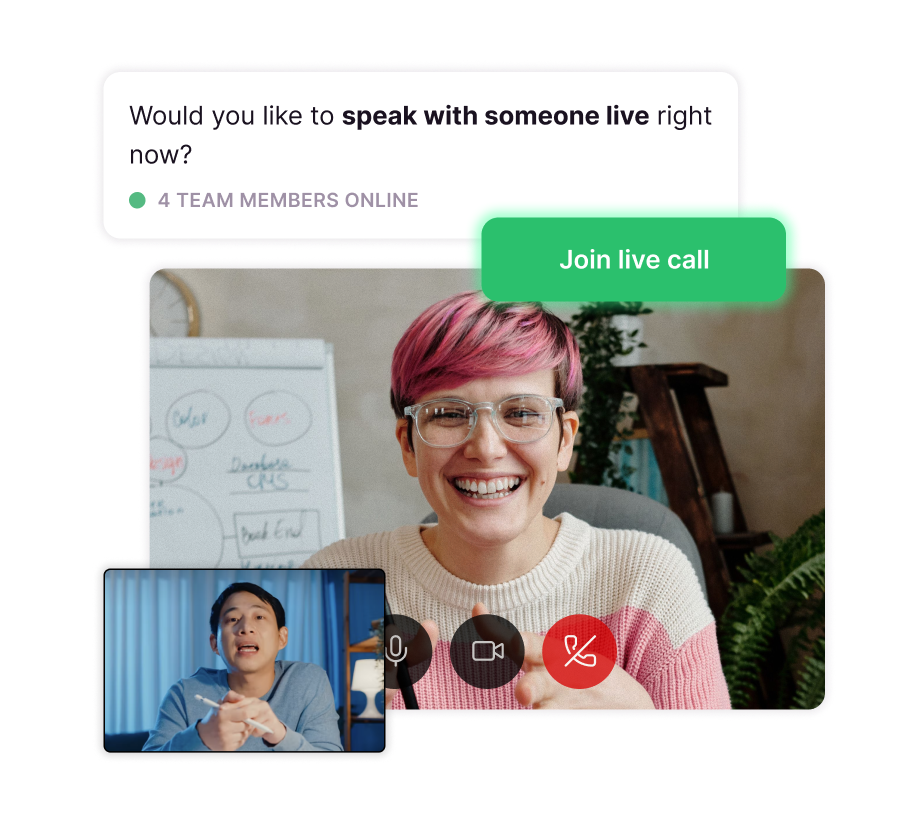
When video calling is enabled, customers can always choose to join a queue to get a call from a support agent. Your team sees who’s waiting and calls the customer on their time; the user gets a live wait time estimate and notifications when their call comes in.
When issues are complex or urgent, support pros are there to ensure your users are heard; not handled.
Customer questions aren’t your enemy; they’re opportunities to create positive brand experiences. Hyphen centers person-to-person connection, driven by our founding thesis that helpfulness is your most under-utilized revenue lever.
Learn more about the economy of helpfulness ->

Copyright © 2026 Hyphen
All Rights Reserved
hello@hyphen.support